tutorial(5)
Posts
Design Journal
Mapping Variable Modes with Component Variants
Last year, Figma introduced a new way to handle light and dark modes: Variable Modes. The promise was clear - design once, switch between modes seamlessly. No more maintaining separate dark mode screens. It is also a scalable system to support breakpoints or event languages. When variable modes launched, I was so excited for the new dawn and say goodbye maintaining two sets of designs. But I faced immediate challenges at work. My Figma used a mix of legacy components, that does not support vari

Design Journal
OKLCH, explained for designers
Last week, TailwindCSS released their v4 version with revamped color tokens using OKLCH. I forsee more web devs are going to adopt OKLCH as the new standard for color tokens. This might sound very technical, but it's actually a significant change UI/UX designer should be aware of. With major browsers now reaching 93.1% adoption rate, OKLCH is on track to be the new standard that bridges design and development. Most designers are familiar with RGB and HSL color spaces, but OKLCH is a new way of t
Productivity
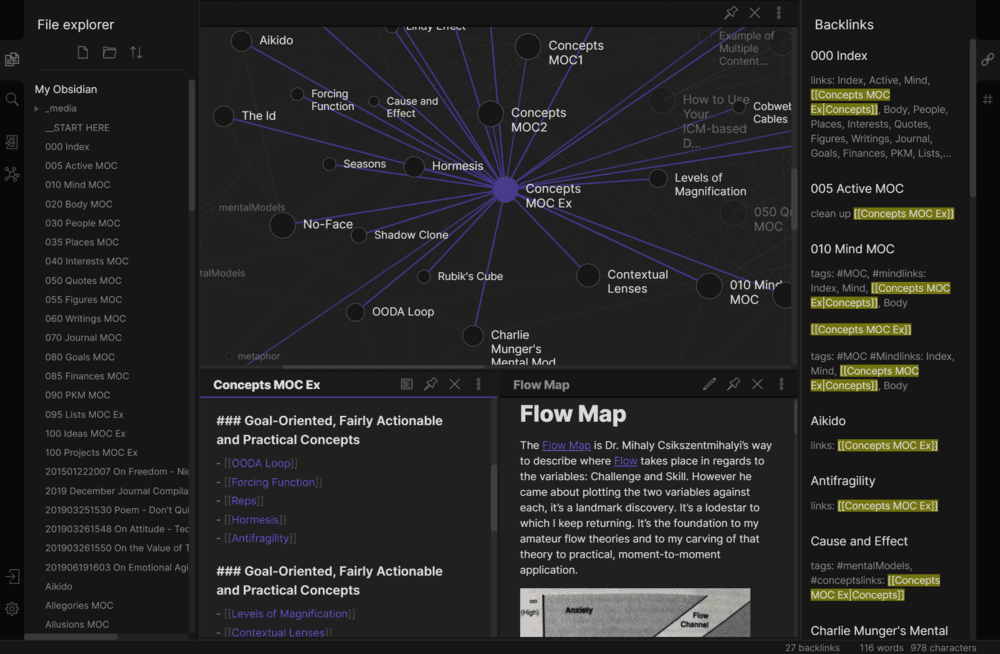
How to sync Obsidian vault for free using Git?
Obsidian is the up-and-coming notes app that has great potential, however the platform is still in early stage, the syncing capability is still limited. Offcially, you have to pay USD4 per month for Obsidian Sync service and subscribe as a VIP member for mobile app early access. Or you can sync between desktopo (Windows, macOS, Linux) only. However, that does not mean we cannot access to our notes on mobile. As Obsidian allows customizing vault save location and adopt open file format like Markd
Design Journal
How to Organise Design Workflow and Operation in Figma
Most people kickstart their project with a blank artboard or template. It is the obvious way to get started. However, user-interface designs tend to be more complicated than just a few pages. How should we approach to organise our screens, when there are 10+, 100+, or even 1000+ screens? And does the file structure cope with the development workflow? Here's my struggles & takeaways in organizing Figma. I work at a travel-tech startup right now, and we work on App and Website. Being the principal

Ctrl Alt Setup
A Brief Guide to Setting up Mac … (again)
Buying a new mac is one of the most exciting things I enjoy. The experience is sacred, since owning a new Mac is far less frequent than switching new phones (not that I switch new iPhone every year). The box-opening is a total satisfaction, a box is slowing sliding down from the cover with friction, and then you see the iconic logo at the center of the beautifully crafted art piece. Seeing the screen lit up for the first time, you almost forget how many junk files you have in your old mac and it